
Your group chat says it was the worst 48 hours in cybersecurity history. Take a breath: it was a wave of separate security news, not one attack on the internet.
Here's what actually happened, where the real risk lands for you, and what you can do about it in one afternoon.
What actually happened
In late October, several unrelated security problems were made public in the same week. The biggest was a pair of flaws in PHP, software that runs many websites. Fixes came out on October 21, and on October 26 the US cybersecurity agency CISA confirmed attackers were using the flaws (Fox News).
It was not one giant attack. Many of the problems had been running quietly for weeks or months before anyone announced them (SecurityToday). Fixing websites is the job of the people who run them. Your job is smaller, and you can handle it.
The scam that comes after the scare
When breach news goes viral, scammers move fast. They send texts and emails that sound official (Avast):
Those messages are the real danger for most of us. They want you rushed and worried, so you click before you think.
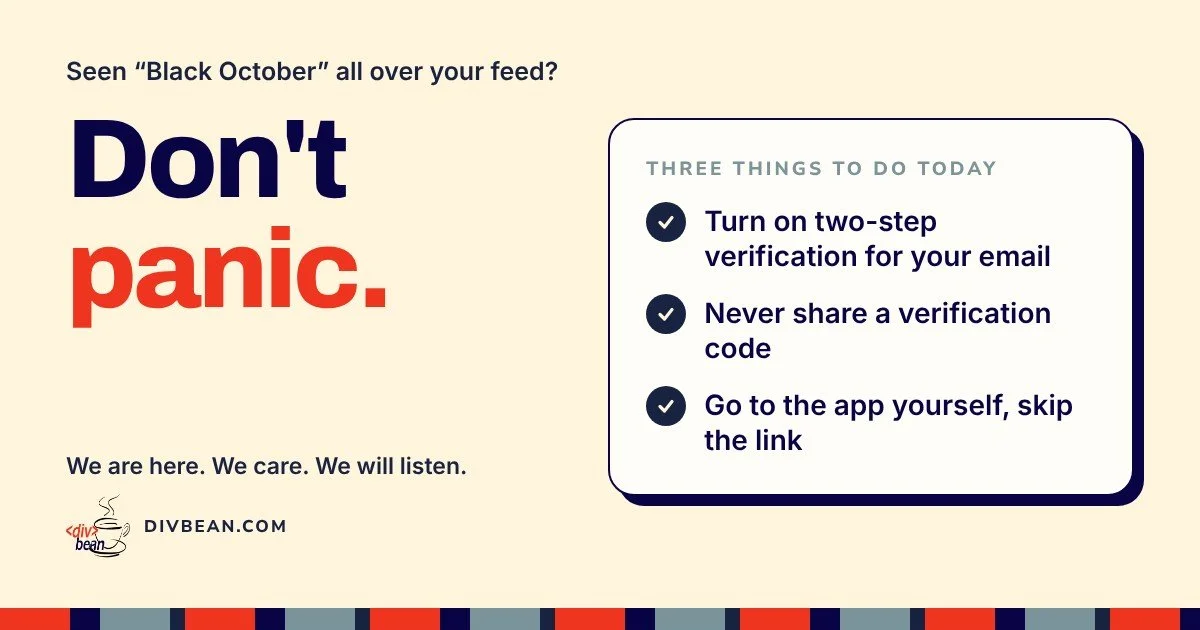
The rule: if a message is urgent and asks you to click, log in, pay or share a code, stop. Open the company's app or type its website yourself. If the warning is real, it will be there too (The Will News).
Your one-afternoon safety checklist
- Turn on two-step verification for your main email account.
- Change any password you use on more than one site.
- Check your phone's saved passwords for "compromised" warnings (iPhone: Passwords app; Android: Google Password Manager).
- Turn on transaction alerts with your bank and card.
- Turn on automatic updates for your phone, computer and browser.
- Remove old connected apps from your Google or Microsoft account.
These steps come from current consumer guidance on Black October (Fox News).
Real companies never ask for your verification code. Not by text, not by email, not by phone.
Look out for each other
Scammers often target the people we love most: parents, grandparents, a busy friend running a side hustle. Share this post in the family chat and agree on one habit together: nobody shares a verification code, ever.
Clicked something? Here's what to do
- Don't panic. It happens to smart, careful people every day.
- Stop engaging. Don't reply or call the number the message gave you.
- Change the password you may have entered, from a trusted device.
- Call your bank if money or card details were involved, using the number on the back of your card.
- Tell someone. On a work device, tell your IT team right away. Speed matters more than embarrassment.
Something feel off?
We are here. We care. We will listen.
No jargon, no judgment, just help.
Start a Conversation